
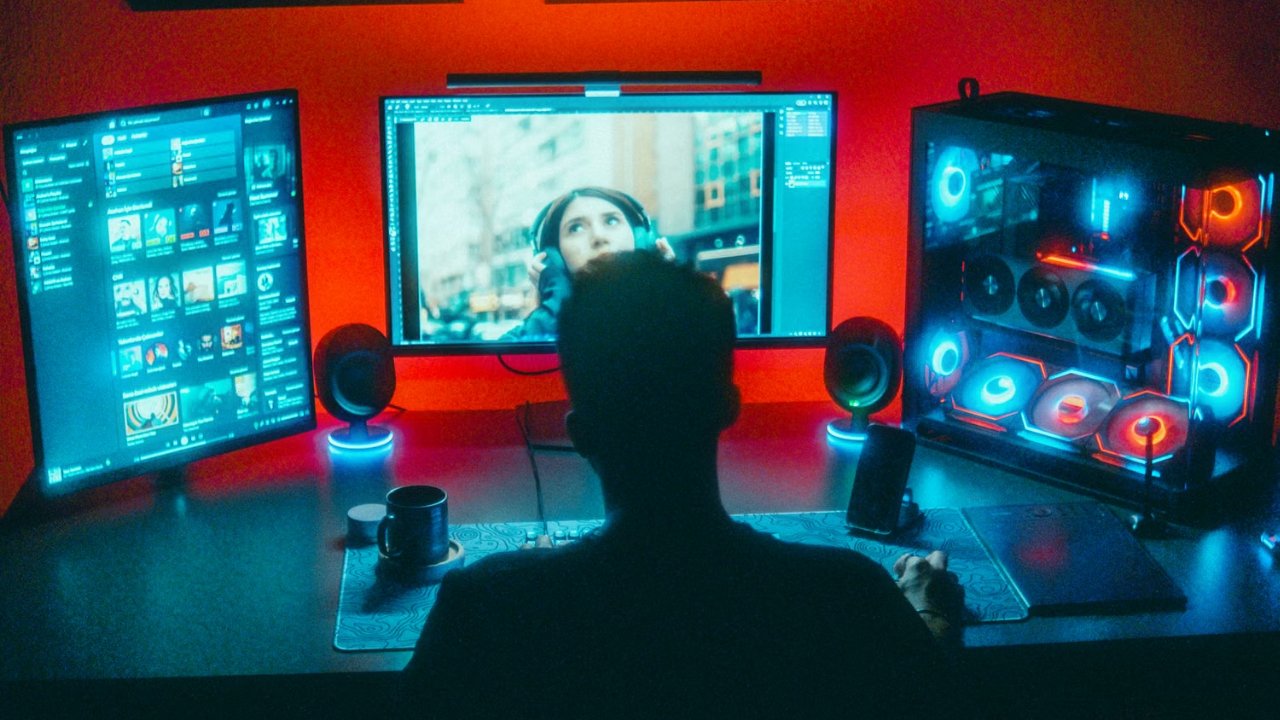
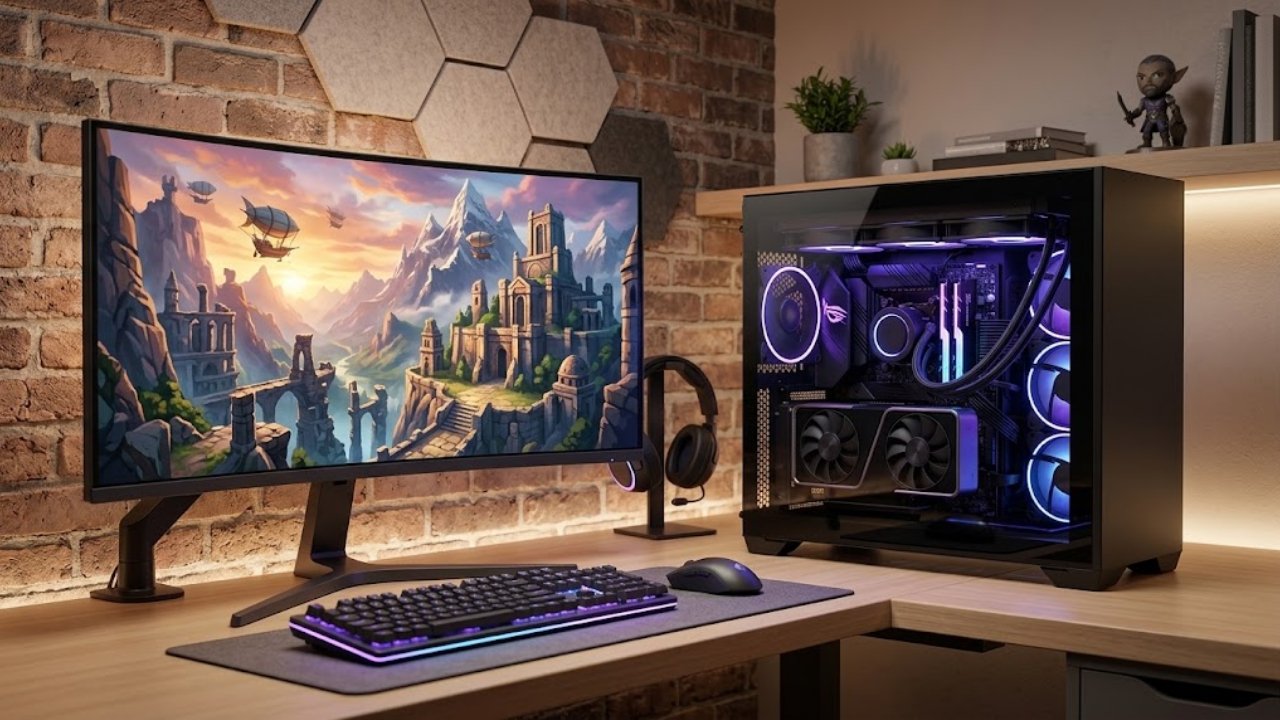
A great gaming setup should do more than look impressive in photos. It should run your favorite games smoothly, keep temperatures under control, fit comfortably into your space, and make everyday gaming enjoyable. Whether you are putting together your first desktop PC or upgrading a setup you have used for years, choosing the right components can make a real difference.
For many PC gamers, appearance matters almost as much as performance. A clean desk, coordinated hardware, thoughtful lighting, and organized cables can turn a collection of computer parts into a setup that feels personal. At the same time, even the best-looking computer needs dependable cooling, compatible components, and enough performance for the games and applications you use.
NZXT has built its presence in the PC gaming market around components and products that combine modern design with practical functionality. Its product range includes PC cases, cooling solutions, power supplies, accessories, and prebuilt gaming computers, making it relevant to both people assembling their own PCs and those who prefer a ready-to-use system.
Here are seven practical ways to plan a gaming setup that balances performance, style, and long-term value.
Before choosing a PC case or comparing components, think about how you intend to use your computer. Your gaming habits should guide your hardware decisions because different games place different demands on a system.
Competitive titles often benefit from high frame rates and responsive performance. Large open-world games can place greater demands on the graphics card and memory, while simulation and strategy games may rely more heavily on processor performance in certain situations. If you also stream, record gameplay, or edit videos, your computer may need additional resources to handle several tasks at once.
Your monitor is another important consideration. Gaming at 1080p generally places different demands on a system than gaming at 1440p or 4K. A graphics card that performs well at one resolution may not deliver the same experience at a higher one.
Write down your favorite games, preferred resolution, and expected budget before shopping. Then compare the recommended system requirements with the hardware you are considering.
NZXT's gaming PC and component options can be explored with these needs in mind. Starting with your intended use helps you avoid paying for specifications you may never need while making sure your setup has enough performance for the experiences you enjoy most.
The PC case is one of the most visible parts of a gaming setup, but its job extends far beyond appearance. It houses the components, helps organize cables, provides mounting points for fans and radiators, and influences how air moves through the system.
A case with a clean design can make your setup feel more organized, particularly if your desk is in a bedroom, office, or shared living space. Tempered-glass panels, carefully arranged components, and subtle lighting can create an attractive look without making the computer feel overwhelming.
However, do not choose a case based on photographs alone. Check the supported motherboard sizes, graphics card clearance, CPU cooler height, radiator compatibility, and available storage mounts. A component that does not physically fit can turn an otherwise straightforward build into an unnecessary headache.
Airflow is equally important. Gaming components produce heat under heavy workloads, so the case needs a sensible path for cool air to enter and warm air to leave. Fan placement, front-panel design, and internal layout all contribute to the overall cooling arrangement.
NZXT offers PC cases in different designs and sizes. Compare their specifications and cooling support before choosing one, especially if you plan to install a large graphics card or liquid-cooling system.
Cooling deserves attention early in the planning process, not after the computer begins running hot. The processor and graphics card generate substantial heat during demanding gaming sessions, and effective cooling helps them operate within their intended temperature ranges.
There are several ways to approach PC cooling. Air coolers use a heatsink and fan to transfer heat away from the processor. Liquid-cooling systems circulate coolant through a radiator to help dissipate heat. The right choice depends on the processor, case dimensions, budget, noise preferences, and intended workload.
An expensive liquid cooler is not automatically necessary for every gaming PC. A suitable air cooler can be a practical choice for many systems, while some higher-performance configurations may benefit from a larger cooling solution.
Case airflow should support the cooler rather than work against it. Consider the number and placement of fans, the direction air travels through the case, and whether the radiator fits without obstructing other components. Follow the manufacturer's installation recommendations and avoid blocking ventilation openings.
NZXT's cooling products include CPU cooling options designed for different types of builds. Before purchasing, verify compatibility with your processor socket and case, and compare the cooling capacity with the demands of your hardware.
A sensible cooling plan can help maintain stable performance while keeping fan noise at a level that suits your environment.
The power supply unit, or PSU, is easy to overlook because it usually receives less visual attention than the graphics card or case. Nevertheless, it is a critical part of the system. It supplies electricity to the computer's components and needs to match the system's power requirements.
Begin by checking the recommended power supply capacity for your graphics card and processor. Then account for the rest of your configuration, including storage drives, cooling equipment, and other components. Leave suitable headroom rather than choosing a unit that barely meets the estimated demand.
Efficiency ratings can help you compare how effectively a power supply converts electricity into usable power, but efficiency is not the only factor that matters. Build quality, protections, warranty coverage, connectors, and compatibility are also important.
Modern graphics cards may require particular power connectors, so confirm that the selected unit supports your hardware. If you are planning future upgrades, consider whether the PSU will have enough capacity and the correct connections for the components you might add later.
NZXT offers power supplies intended for PC builds with different requirements. Check the specifications of the exact model before buying instead of assuming every unit in a product family provides the same features.
Choosing a suitable PSU from the beginning can simplify installation and reduce the likelihood of needing to replace it during a later upgrade.
Cable management can make a gaming PC look considerably cleaner. Neatly arranged cables improve the appearance of the build, make it easier to access components, and help prevent wires from interfering with fans.
You do not need an elaborate arrangement to achieve a tidy result. Start by planning where the motherboard, graphics card, storage drives, and cooling equipment will sit. Then identify the most convenient cable routes before securing anything permanently.
Many PC cases include space behind the motherboard tray for routing cables out of sight. Cable channels, tie-down points, and reusable cable ties can help keep everything organized. Modular power supplies may also reduce the number of unused cables inside the case, depending on the configuration.
Avoid pulling cables too tightly or forcing connectors into awkward positions. Connections should be secure without putting unnecessary strain on the wires or ports. Keep cables clear of fan blades and follow the instructions supplied with each component.
NZXT cases are often chosen by builders who appreciate a clean, coordinated look. Good cable management can help achieve that appearance while keeping the interior accessible for cleaning, troubleshooting, and future upgrades.
It is worth taking a little extra time during assembly. Once the computer is fully built, adjusting cables can be more difficult because other components may need to be removed first.
A good PC is only one part of the gaming experience. Your desk, chair, monitor placement, keyboard, mouse, and lighting can influence comfort during long sessions.
Start with your monitor. Position it at a comfortable viewing distance and adjust its height so you do not have to constantly tilt your head. Keep the keyboard and mouse close enough that your shoulders can remain relaxed while playing.
Your chair should support a comfortable sitting position, and your feet should rest securely on the floor or an appropriate footrest. Take regular breaks from sitting, particularly during long gaming sessions.
Desk space also matters. A larger desk can provide room for a monitor, peripherals, speakers, and other accessories, while a smaller workspace may benefit from a compact layout. Keep frequently used items within easy reach and avoid filling every available surface with decorations.
Lighting can help bring the setup together. Subtle RGB lighting, a desk lamp, or indirect ambient lighting can create an atmosphere that suits your room. Try to avoid lighting that produces distracting reflections on the monitor.
NZXT accessories and coordinated PC components can complement a broader gaming setup, but comfort should remain a priority. A visually impressive desk is much more enjoyable when its layout supports your everyday habits.

A gaming PC does not need to be replaced every time a new component arrives. A carefully planned system can often be upgraded gradually as your needs change.
Before purchasing, consider which components are easiest to replace and which choices may limit future options. Memory and storage are upgradeable on many desktop systems, while graphics card upgrades depend on factors such as case clearance, power supply capacity, and available connectors.
Motherboard compatibility also matters. A new processor may require a different socket or platform, so do not assume that every future CPU will work with your existing hardware. Check supported components and upgrade requirements before making a purchase.
Your PC case can influence upgrade flexibility as well. A case with adequate space and cooling support may accommodate a wider selection of future components, although compatibility should always be confirmed for the specific parts involved.
Budgeting is another part of long-term value. Consider the complete cost of the build, including the operating system where needed, peripherals, cooling, and any accessories you plan to add. A slightly more expensive component may be worthwhile if it meets a genuine requirement, but paying extra for features you will not use can stretch your budget unnecessarily.
NZXT's range of cases, cooling products, power supplies, and gaming computers gives builders several options to consider. Compare the exact specifications, warranty terms, and current prices to determine which products make sense for your plans.
NZXT is a PC hardware and gaming brand known for products such as computer cases, CPU cooling solutions, power supplies, accessories, and prebuilt gaming PCs. Its products appeal to people who want to combine practical PC functionality with a coordinated, modern design.
A prebuilt gaming PC can be a convenient starting point because the main components are already assembled. It reduces the need to research every compatibility detail or handle the complete building process yourself. Compare the processor, graphics card, memory, storage, cooling, and warranty before deciding whether a particular system meets your needs.
Not always. Many gaming computers work well with an appropriately selected air cooler. Liquid cooling may be useful for certain higher-performance configurations or when a particular design is preferred, but the correct choice depends on the processor, case, budget, and cooling requirements.
Check motherboard compatibility, graphics card clearance, CPU cooler dimensions, radiator support, and available fan mounts. Also consider airflow, cable-management space, desk dimensions, and appearance. The best case is one that accommodates your hardware comfortably while meeting your practical and visual preferences.
Your budget should reflect the games you play, the resolution you want, and whether you need a complete setup or only a desktop computer. Account for the monitor, keyboard, mouse, headset, and other accessories if you are starting from scratch. Comparing complete specifications is more useful than choosing solely by price.
Many desktop gaming PCs allow upgrades to components such as RAM, storage, and graphics cards. However, compatibility depends on the motherboard, case, power supply, cooling arrangement, and other hardware. Check these limitations before buying if you expect to upgrade your computer over time.
Building a gaming setup is easier when you begin with a clear idea of how you want to use it. Performance, cooling, power delivery, case compatibility, and future upgrades deserve as much attention as the final appearance. Taking time to compare these details can help you avoid unnecessary expenses and make the most of your budget.
NZXT offers products for different parts of the PC-building process, from cases and cooling solutions to power supplies and gaming computers. Explore the available options, compare the specifications of individual models, and choose hardware that suits your games, workspace, and plans for the future.
Before making your purchase, check current NZXT deals and discount codes to see whether you can save on the components or accessories you need for your next gaming setup.
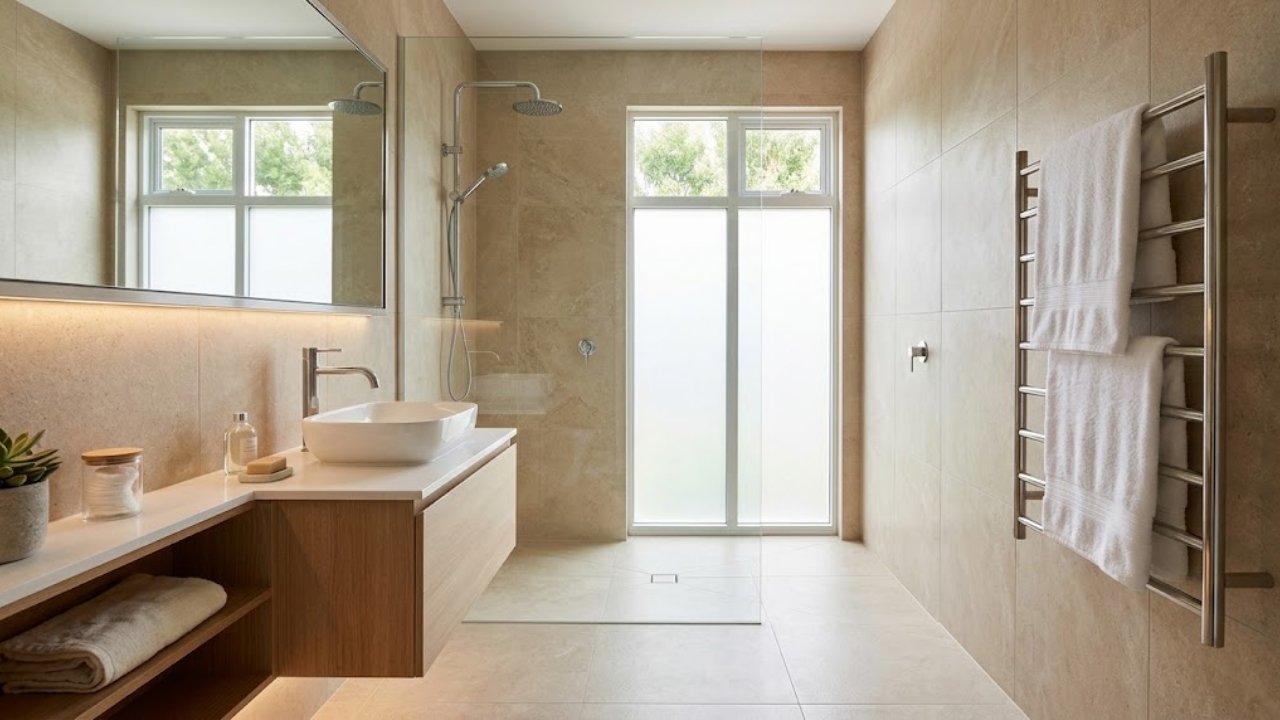
A bathroom renovation does not always require replacing every tile, moving plumbing, or spending a f

There is something special about experiencing a major sporting event in person. The roar of a footba
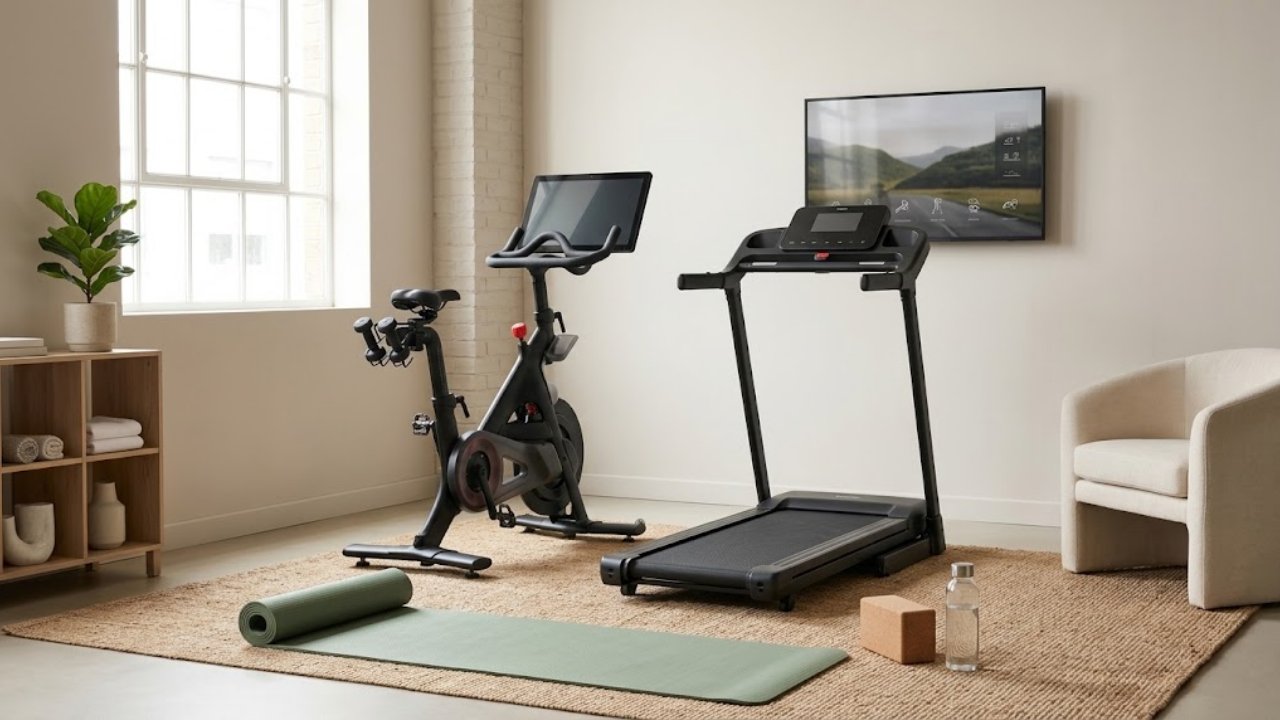
Staying active becomes much easier when exercise fits naturally into your everyday life. You do not

A great gaming setup should do more than look impressive in photos. It should run your favorite game
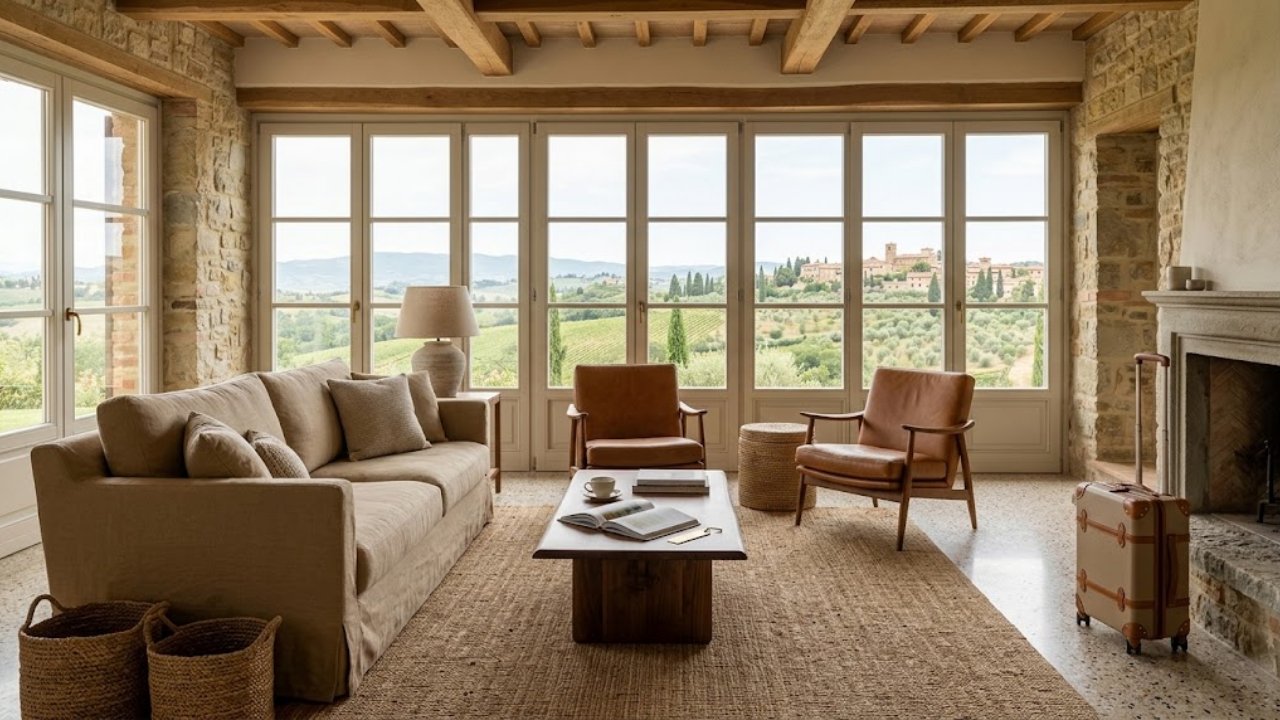
A memorable holiday is about more than visiting a beautiful destination. Where you stay can shape th
A great gaming setup is about more than impressive graphics or colorful lights. The right PC should
Reviews
No reviews yet!
Your Review Rating