
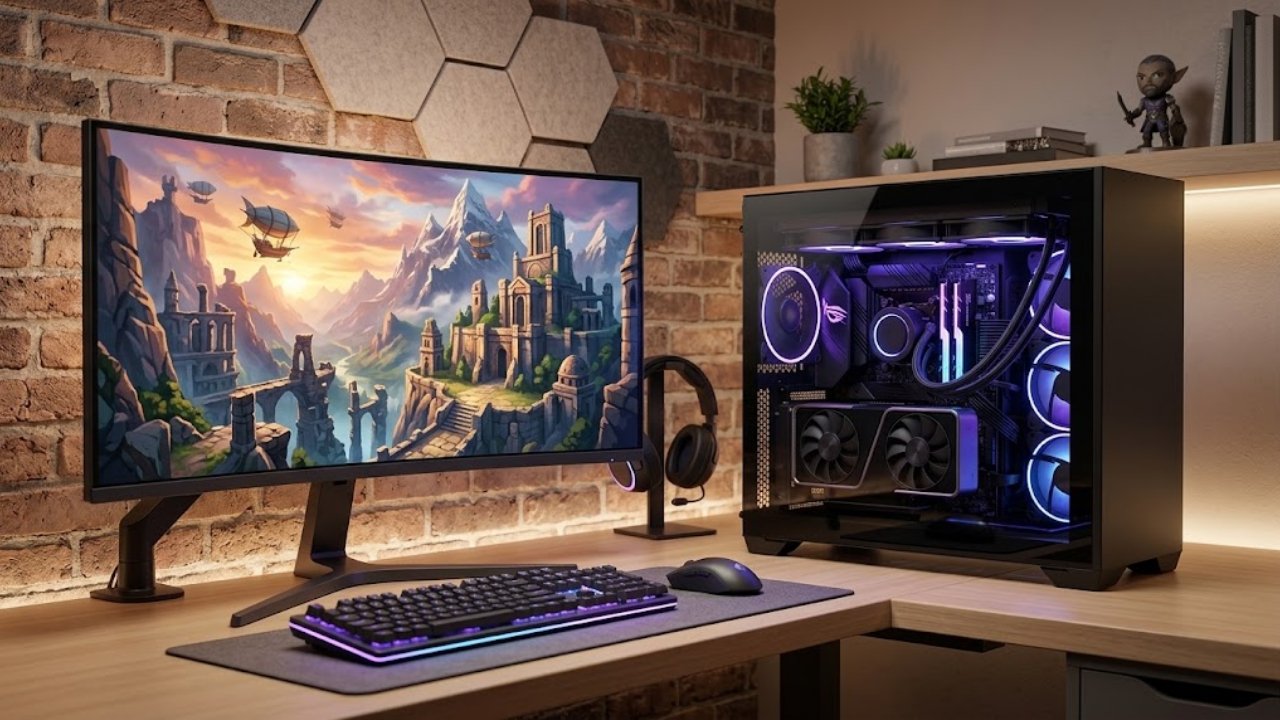
A great gaming setup is about more than impressive graphics or colorful lights. The right PC should make your favorite games feel smooth, load quickly, and give you room to explore new titles as your interests change. Whether you enjoy competitive shooters, open-world adventures, simulation games, or streaming with friends, your computer needs to match the way you play.
For many gamers, a prebuilt gaming PC is an appealing starting point because the major components are assembled into one system rather than purchased and installed separately. Others prefer a customizable setup that reflects their performance goals, preferred design, and budget. Skytech Gaming US offers prebuilt gaming computers and custom PC options, giving players different ways to approach their next setup.
Before spending money on a new system, it helps to understand which features matter most. These seven considerations can make the decision easier and help you build a setup that feels right for both your current games and future plans.
Start with your gaming habits rather than the most expensive computer you can find. Different games place different demands on a PC, so the ideal configuration depends on what you actually play.
Competitive games often benefit from high frame rates and responsive performance. Large open-world games may place greater demands on graphics processing, memory, and storage. Strategy games, simulation titles, and games with detailed environments can also benefit from a well-balanced system.
Make a short list of your favorite games and the titles you hope to play next. Check their recommended system requirements, paying attention to the processor, graphics card, RAM, and available storage. This gives you a practical starting point when comparing gaming computers.
Skytech Gaming offers a range of prebuilt systems with different component combinations. Comparing those specifications can help you narrow your choices instead of paying for hardware that offers little benefit for your particular gaming habits.
The graphics card, commonly called the GPU, is one of the most important components in a gaming PC. It processes visual information and helps determine how smoothly a game runs at a particular resolution and graphics setting.
If you enjoy visually demanding games, a stronger GPU can make a noticeable difference. It can help deliver detailed textures, richer lighting effects, and more consistent performance when a game places a heavy load on the system. Players who prefer less demanding games may not need the same level of graphics hardware.
Your monitor also matters. Gaming at 1080p, 1440p, and 4K places different demands on a graphics card. A system that performs well at one resolution may not deliver the same frame rates at another.
When comparing a Skytech Gaming PC, look beyond the graphics card's name. Consider its memory, the resolution you intend to use, and the performance you expect from your favorite games. The goal is to choose a configuration that suits your display and budget rather than simply selecting the biggest number on a product page.
A gaming PC works best when its major components complement one another. A powerful graphics card cannot solve every performance problem if the processor, memory, or storage is unsuitable for the workload.
The CPU handles game logic, background tasks, and many other calculations. It can be particularly important in competitive games, strategy titles, simulation games, and situations where many characters or objects are active at once.
RAM helps the system manage active programs and game data. The amount you need depends on the games you play and whether you also run a browser, voice chat, recording software, or streaming tools. Checking the memory configuration before buying helps you understand how well the PC fits your everyday use.
Storage affects how much you can install and how quickly many games load. Solid-state drives are generally preferable to traditional hard drives for a modern gaming system because they offer much faster access to stored data. NVMe SSDs are a common option in current gaming desktops.
Rather than focusing on one specification, look at the complete configuration. A well-balanced PC can provide a more satisfying experience than a system with one impressive component and several limitations.
Building a computer from individual parts can be rewarding, but it requires research, compatibility checks, assembly, and troubleshooting. A prebuilt gaming PC offers a more straightforward route because the core system arrives assembled.
This can be useful for first-time PC gamers who would rather spend their time playing than learning how to install components. It can also suit experienced players who understand hardware but prefer to avoid the work involved in sourcing and assembling every part.
A custom configuration offers another route. It allows you to choose components around your needs, whether that means prioritizing graphics performance, storage capacity, memory, or a particular visual design.
Skytech Gaming provides both prebuilt gaming PCs and a custom-building option. When comparing the two approaches, consider the total price, the components included, shipping expectations, warranty terms, and support available after purchase.
Neither option is automatically right for everyone. A prebuilt PC may be ideal when its specifications already meet your requirements, while customization can make sense when you have specific performance or design goals.
A gaming computer can look impressive on a desk, but its cooling system deserves just as much attention as its appearance. Gaming places sustained demands on the CPU and GPU, and those components generate heat while working.
Good airflow helps move warm air out of the case and allows cooler air to reach internal components. Fans, case layout, and the overall cooling configuration all contribute to how a system handles demanding sessions.
The physical design matters, too. Some players prefer a compact case that fits neatly into a small room, while others want a larger system with more visual impact and room for future upgrades. RGB lighting and coordinated components can make a setup feel personal, but they should complement rather than replace practical considerations.
Noise is another factor worth remembering. Fan speeds can increase during intensive gaming, and the resulting sound may matter if your PC sits close to your microphone or you share a room with someone else.
Before choosing a system, consider where it will sit, how much space is available, and whether its cooling design suits your environment. A comfortable setup is one you can enjoy using for hours without unnecessary distractions.
A new gaming PC should work for the games you enjoy today, but it is sensible to consider what you may want from it later. New releases, changing software requirements, and new gaming interests can affect how long a particular configuration feels suitable.
Think about whether you might move to a higher-resolution monitor, play more demanding games, stream regularly, or use your computer for video editing and other creative work. Those plans may influence how much memory, storage, and graphics performance you need.
Upgrade options can also vary by system. Before buying, check whether memory and storage can be expanded and whether the case, power supply, and motherboard support the changes you might want to make. Do not assume every component can be replaced easily or that every upgrade will be compatible.
Choosing a system with a little flexibility can help you avoid replacing the entire computer when your needs change. However, buying far more performance than you are likely to use is not always the best value. A realistic upgrade plan is more useful than paying extra for every possible future scenario.

Gaming PCs are available across a broad range of prices, and the advertised computer price is only one part of the overall setup. You may also need a monitor, keyboard, mouse, headset, speakers, or a suitable desk.
Start by deciding how much you can comfortably spend on the complete setup. Then compare PCs with similar specifications rather than judging them by price alone. Look at the processor, graphics card, RAM, storage, operating system, case, and included support.
Check whether the listed configuration matches the version you intend to purchase. Product families can include several variations, and two computers with similar names may have different components. It is worth reviewing the complete specification list before placing an order.
Skytech Gaming's official store features prebuilt computers, custom PC options, and designated deals. Availability, prices, and promotional offers can change, so review the current listing and checkout terms instead of relying on an old advertised price.
Also consider shipping, return policies, warranty coverage, and technical support. These details can make a difference if you need help after your computer arrives.
Start with the games you want to play, your monitor's resolution, and your budget. Then compare the graphics card, processor, RAM, storage, cooling, and upgrade options. A balanced configuration is generally more useful than choosing a computer based on a single specification.
Yes. A prebuilt gaming PC can be a convenient choice for beginners because the main components are already assembled. You still need to connect your peripherals, complete the initial setup, and install or update your games, but you can avoid the more technical process of building a computer from individual parts.
Skytech Gaming offers a custom PC-building option alongside its prebuilt systems. The components and choices available depend on the current builder and product offerings, so review the available configurations before making a decision.
The right amount depends on your games and other applications. Check the recommended requirements for the titles you play and account for any additional tasks, such as streaming, recording, or running multiple programs. Choosing suitable memory at the beginning can reduce the need for an early upgrade.
An SSD is useful because it generally provides much faster storage access than a traditional hard drive. This can reduce loading times in many games and make the overall system feel more responsive. Storage capacity is important too, particularly if you install several large games at once.
Check the official store's current deals and product listings, and compare the full specifications before choosing a discounted computer. Read any promotion's eligibility rules, expiration date, and checkout conditions carefully. A lower price is most valuable when the system also meets your performance needs.
Choosing a gaming PC becomes easier when you focus on your own priorities. The games you play, the resolution you prefer, your available budget, and your plans for future upgrades all help determine which system makes sense. Paying attention to cooling, storage, and support can also make your setup more practical over time.
Skytech Gaming US offers prebuilt and customizable gaming computer options for players with different preferences. Take time to compare specifications, review the complete cost, and choose a configuration that fits your gaming routine rather than buying hardware you may never use.
Before placing your order, explore available Skytech Gaming deals and discount codes to see whether you can save on your next gaming PC purchase.

A home is more than a collection of rooms. It is where slow mornings begin, friends gather for dinne
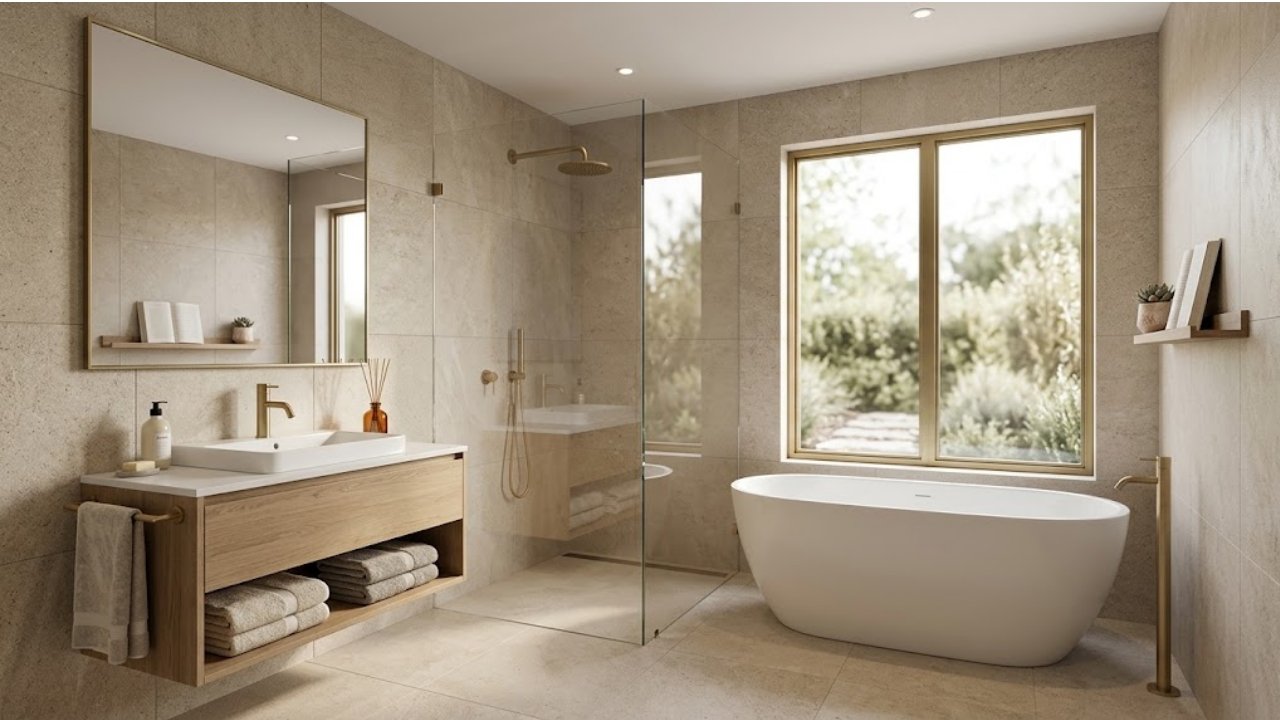
A bathroom can change the feel of an entire home. It might be the first place you visit in the morni
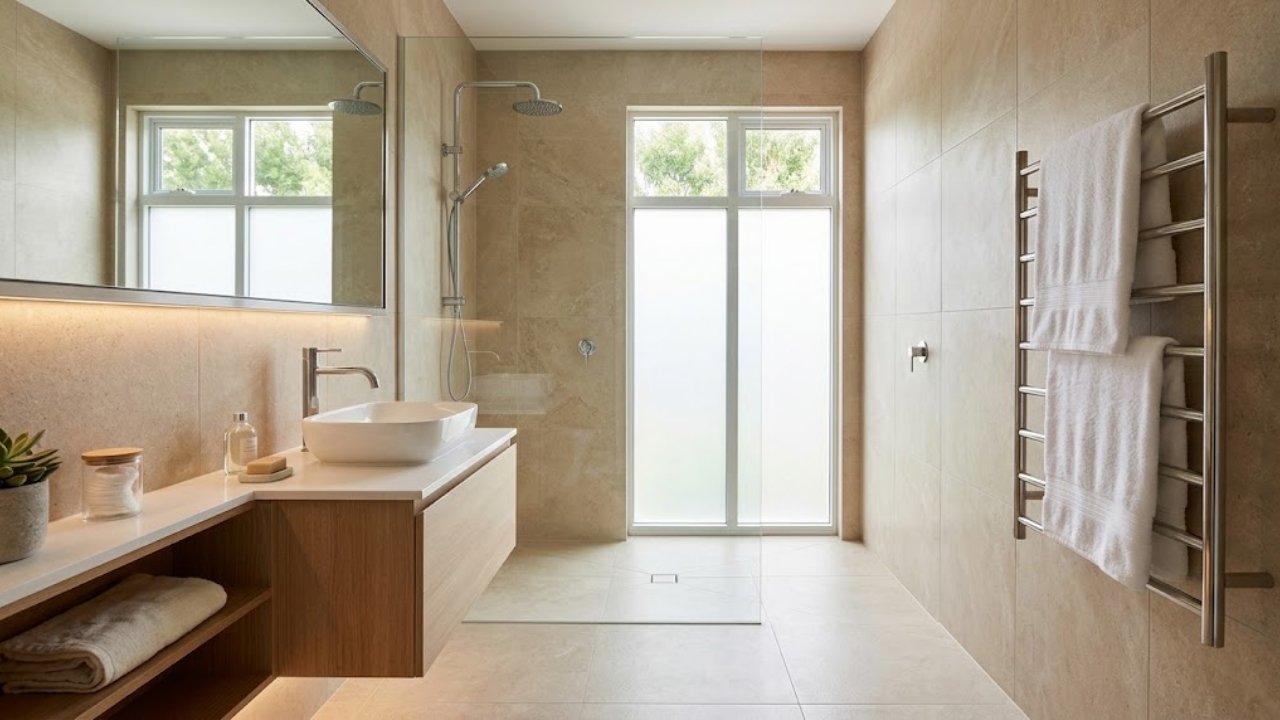
A bathroom renovation does not always require replacing every tile, moving plumbing, or spending a f

There is something special about experiencing a major sporting event in person. The roar of a footba
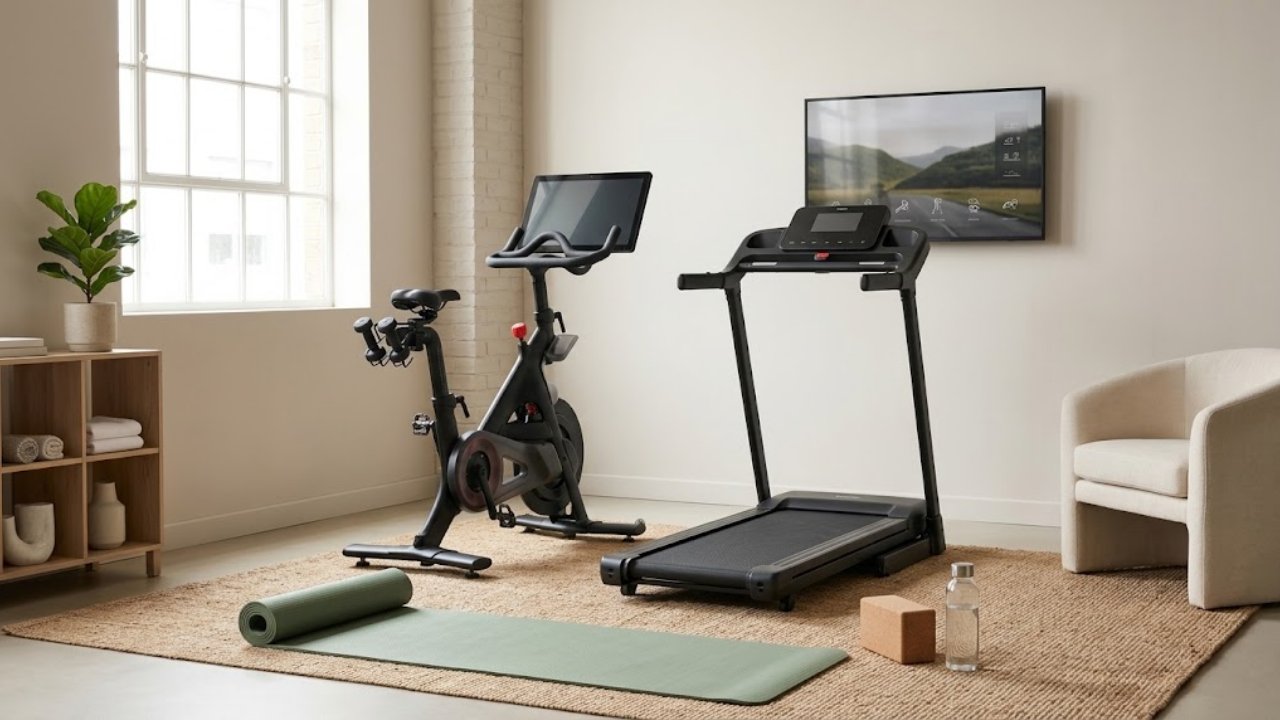
Staying active becomes much easier when exercise fits naturally into your everyday life. You do not

A great gaming setup should do more than look impressive in photos. It should run your favorite game
Reviews
No reviews yet!
Your Review Rating